Vibe coding is fast.
Let's make it secure.
When you build by prompting AI, your code quietly logs emails, API keys, and customer data in plaintext. TN seals those fields in memory before they hit disk, so a logging breach gives up ciphertext, not your users. You keep the keys.
console.log(`new user: ${email}, key: ${apiKey}`);
{"msg": "new user: [email protected], key: sk_live_9a2f3b..."}
The email and API key sit in plaintext in every log line, readable wherever those logs end up.
tn.info("user.created", email=email, api_key=api_key)
{"event_type": "user.created", "email": "btn_cipher_9fa1...", "api_key": "btn_cipher_b412..."}
The same fields, sealed with keys you hold. A breach gives up ciphertext, not your users.
The problem: anyone who sees your logs sees your users.
Logs get stored, copied into dashboards, and shared with whoever's debugging. Anything you logged in plaintext travels with them.
TN locks the sensitive fields the moment they're written. The log still works. The private parts stay yours.
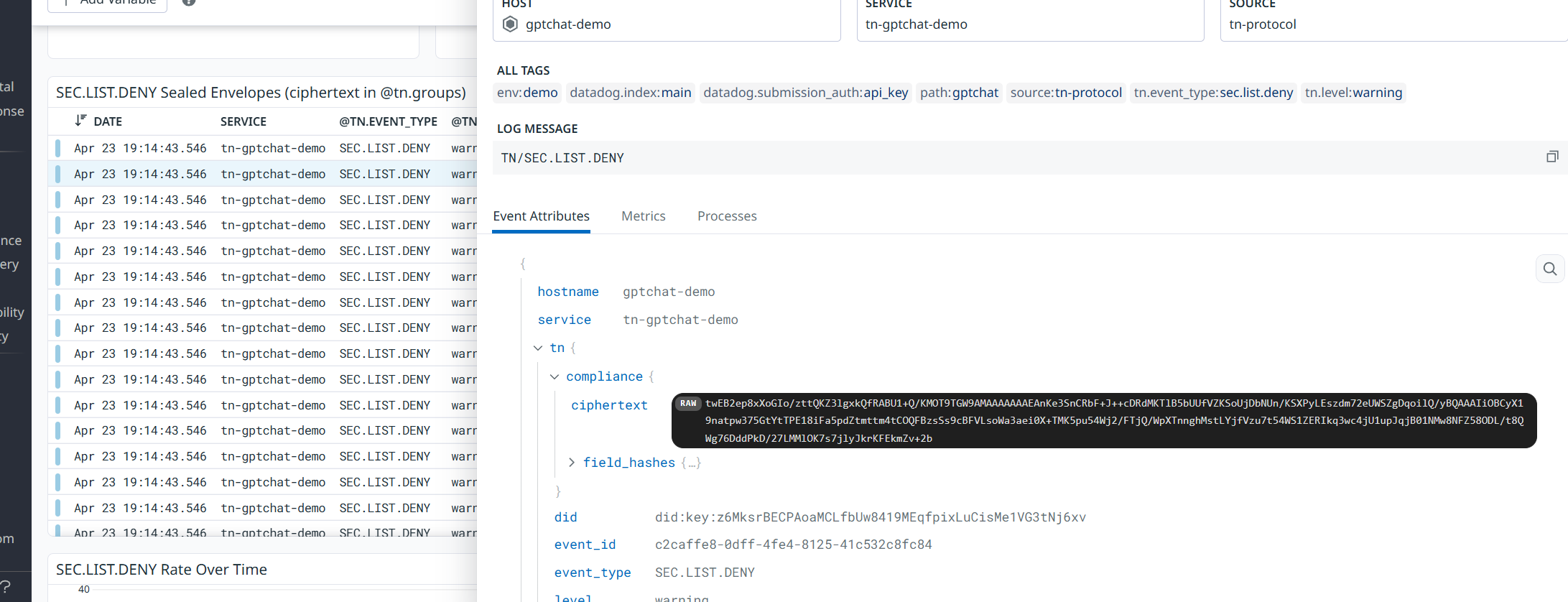
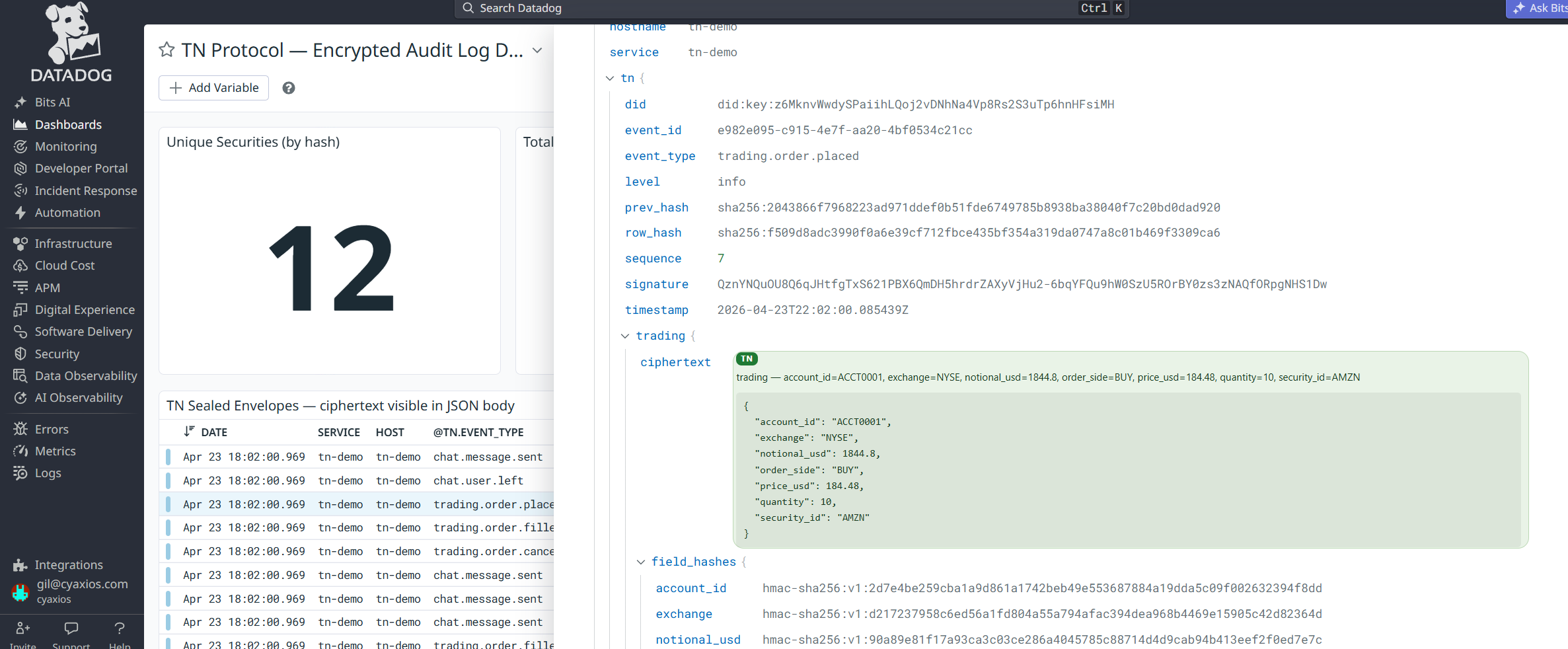
Two lines to start.
No new logging stack. Initialize once, then log the way you already do.
pip install tn-proto
import tn

# Reads local keys and governance briefs automatically
tn.init()

# Log safely: PII is sealed in memory before hitting disk
tn.info("auth.user.login", email=user.email, ip=user.ip)

# Read your own logs back (fields come back decrypted)
for entry in tn.read():
    print(entry.level, entry.event_type, entry.fields)
# Your first `tn init` prints a claim link: your encrypted keys + config
# attach to your account. The vault stores ciphertext only, never your keys.
tn init

# Recover on any machine from your recovery phrase:
tn wallet restore
By referencing a small governance file in your repo, your AI assistant writes these structured calls instead of raw print statements on its own.
Logs are great. Until they get passed around.
Logs are how you figure out what your app actually did. The problem is they rarely stay put. They get shipped to Datadog, read by support, scraped by an AI agent, pasted into a ticket, and left in a bucket someone forgot about. Anything you wrote in plaintext is now everywhere your logs went.
logger.info(f"login ok: {user.email}, token={session}")
# ...now it lives in five places you don't control
TN seals the sensitive parts inside your process, before the log is ever written. Pass the logs around all you like. The parts that matter stay ciphertext to everyone you didn't hand a key.
Sealed before disk
Encryption happens in your process, before anything is written. No third party ever holds your keys.
How field-level encryption works →You hold the keys
Keys live in your local keystore. The vault stores ciphertext only, and you recover on any machine from a recovery phrase.
How the key vault works →Works with your agent
Point Claude Code, Cursor, or any assistant at the repo and it writes safe log calls by default.
Use TN with your agent →Go deeper: how the leaks happen · the Saleor case study · field-level encryption · docs
← Back to home